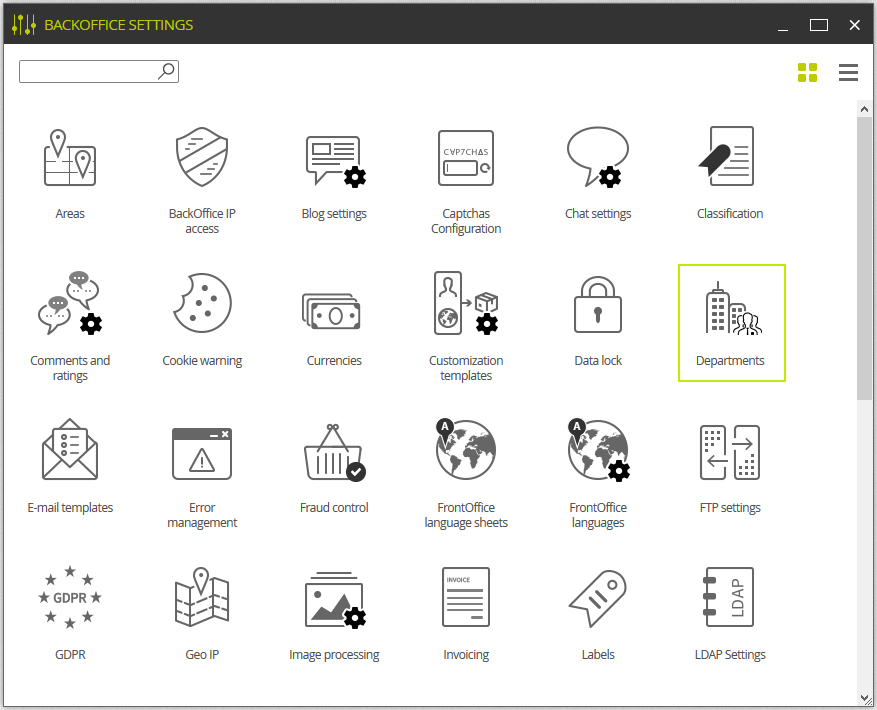
This module’s configuration tool can be found in:
 > SETTINGS > Departments
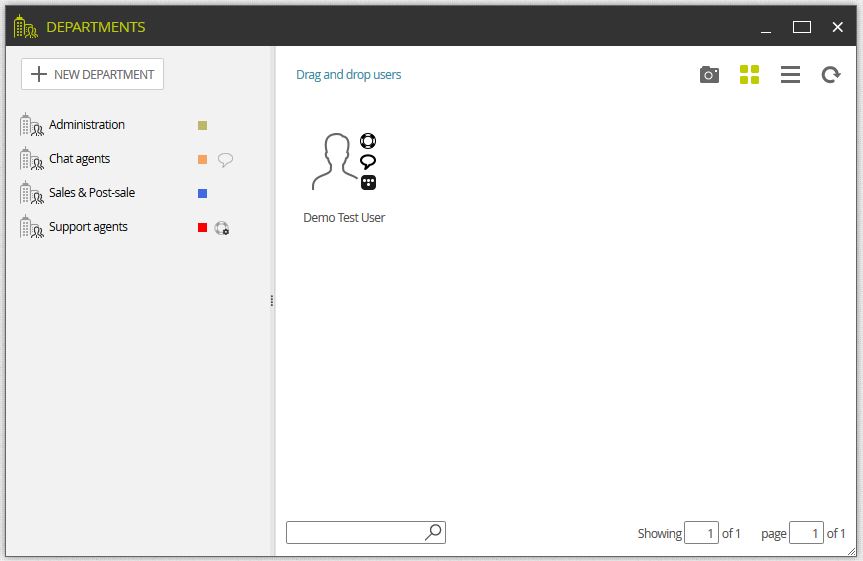
This configuration tool displays two different sections. The left one shows the departments and the right one displays the admins included in each department.
This window allows to create/modify/delete departments as well as bind/unbind users to them.
In case we want to create new departments, just click on New department If we want to edit a department, double-click on the already created department.
A department has a set of different parameters:
Chat and ticket permission
Identification color
Name (different languages)
Header (different languages)
Footer (different languages)
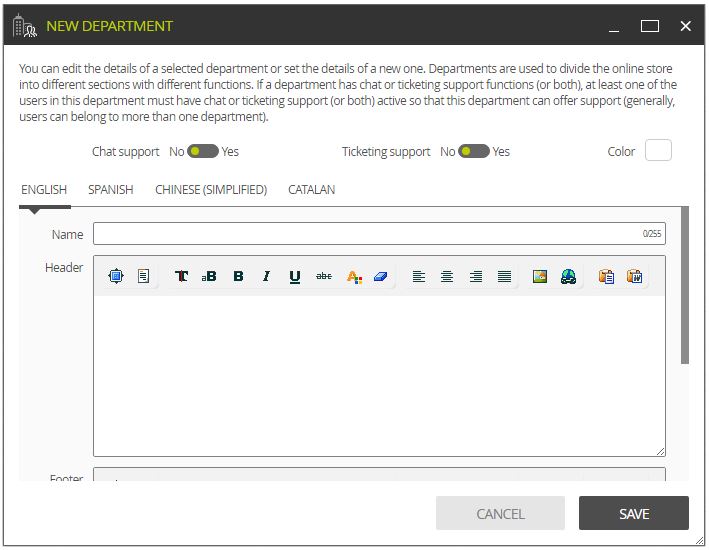
 The chat and ticketing support options are not used to enable the users in this department to use these functionalities, but to assign whether the department can offer chat or ticketing support or not. This way, we will ensure that: “A user will only be able to manage chat and/or ticketing if its department allows it, and only when he has these permissions granted on the user’s profile”.
The fields name, header and footer are used to customize, in every department, the email replies from the ticketing tool conversations.