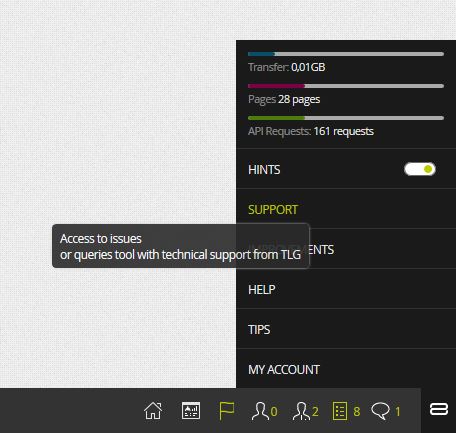
In order to monitor a ticket, you will have to enter the support platform of TLG Commerce by clicking on the SUPPORT option in the lower right corner of LogiCommerce 8x.
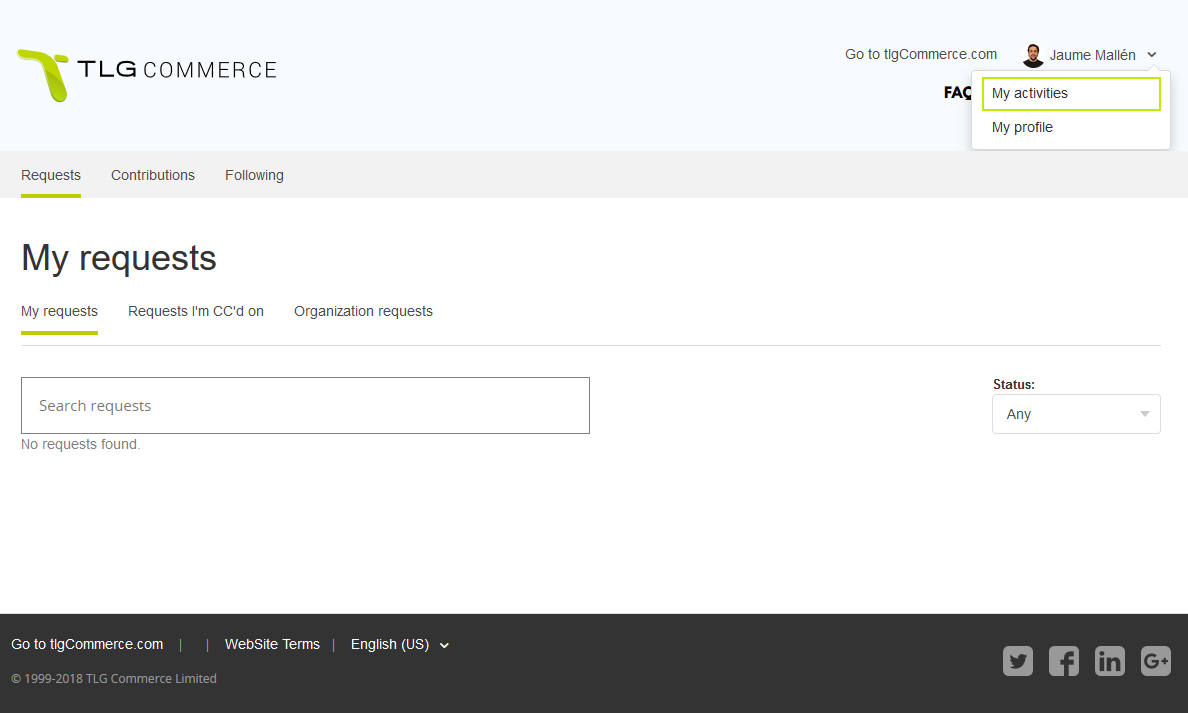
Once there, click on your name and choose My Activities from the drop-down menu.
Then you will see a page with the detail of all the tickets you have opened and their status.