In this case you want to offer a discount rate in the form of gift products (previously chosen by the customer).
In order to offer this type of discount, you need to go to the icon Discounts and New Discount.
A pop up window will appear where you will be required to fill in the Name and state which languages the offer will be available in. Then click on Next.
Choose the discount type. In this case Choose Gift.
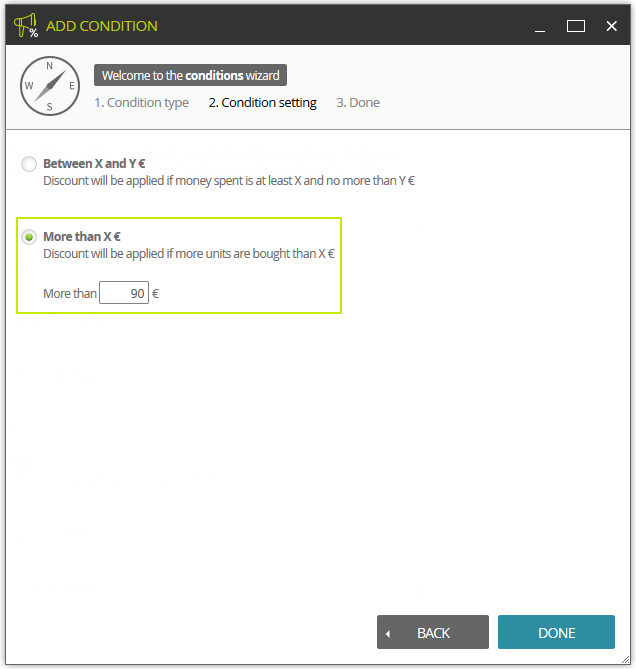
A condition should be selected allowing the customer access to such gifts; in this case it is when the purchase amounts to more than 90 €.
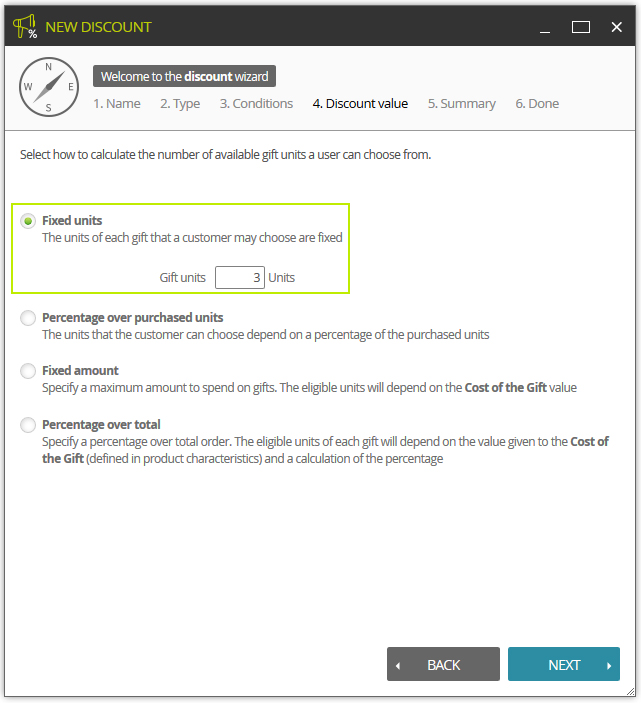
In this window the value of the discount is selected. In this case, 3 units of the customer's choice will be given away among those selected in the next step. You can also configure other ways to calculate the units that the user can choose (percentage of the total amount, a fixed amount, etc.).
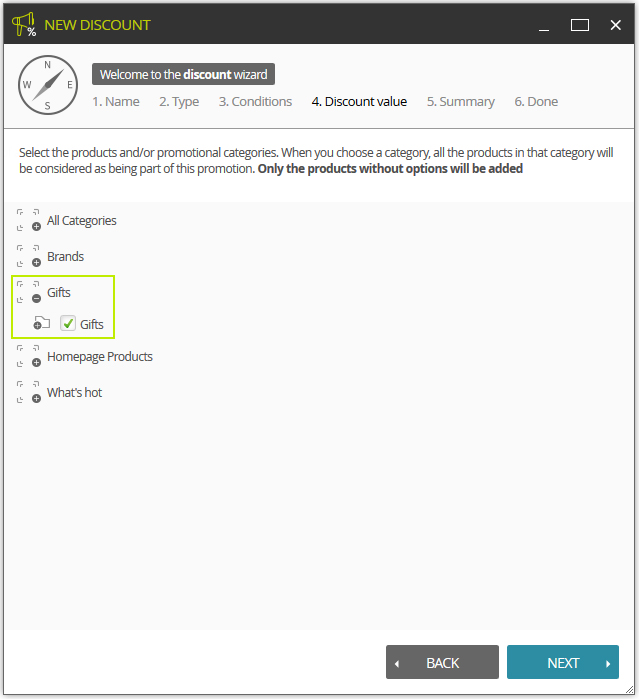
In the following window you select the products or categories involved in the promotion. In this case a category has been created in order to add all the products involved in the promotion.
Finally we are offered a display summarizing the type of discount offered and the conditions under which it will come into effect. There is also the option to activate the discount immediately or later.
 As this type of discount will cause elements to be displayed in the FrontOffice, it is likely that you will need to adjust the layout in order for it to be displayed correctly in the style of your eCommerce.
Gift vouchers
Through the introduction of a code during the order process, customers may receive a gift voucher.
To manage these promotions you need to go to the correct menu in LogiCommerce, go to:
 > EMARKETING > Promotions > Gift vouchers
There are two types of gift vouchers:
- Ones you create using a generic code
- Ones which are created for a specific user.