It should be noted that there are two types of user recipients:
- Users who are only subscribed to the newsletter.
- Users who have registered with the website and are also subscribed to the newsletter.
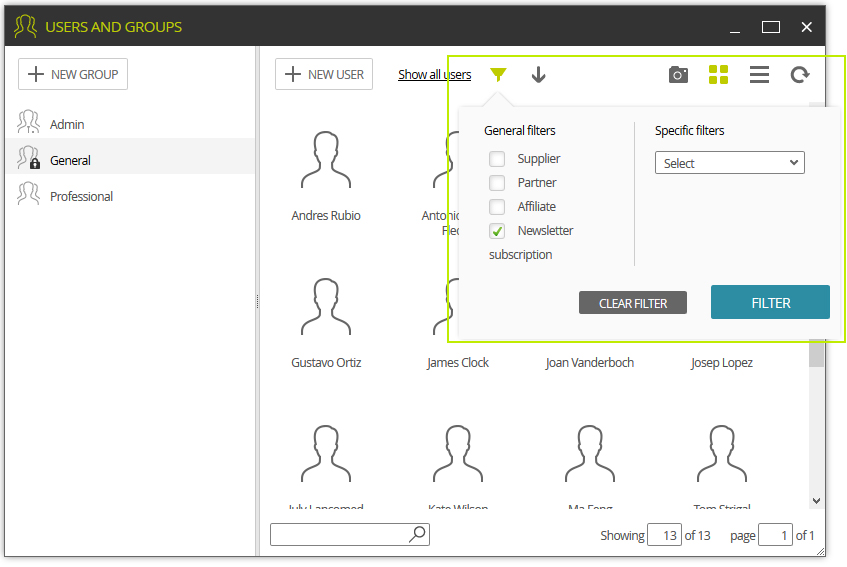
To consult the list of users subscribed to the newsletter, access:
 > MAIN > Users and Groups
Here you can filter and display registered users who are subscribed to the newsletter.
> EMARKETING > Mailing > Subscriber's Icon
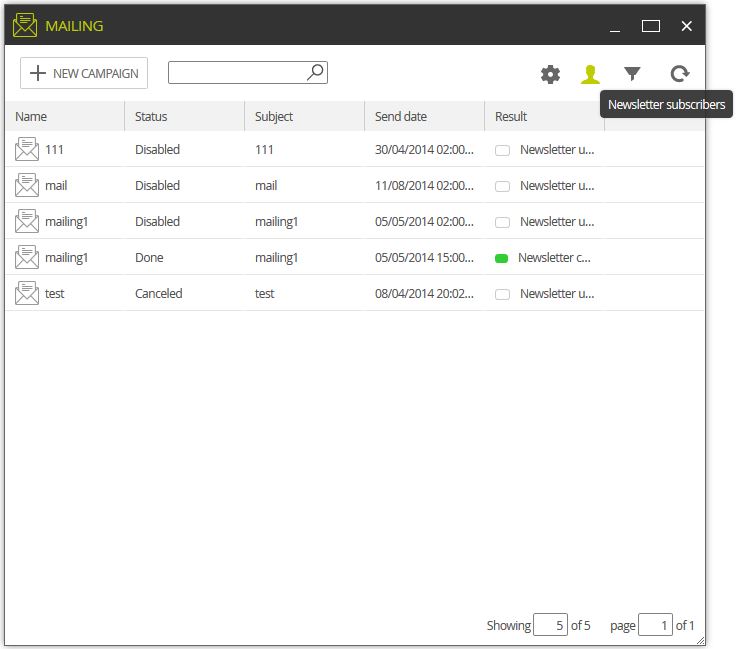
This shows you a list of users who are only subscribed to the newsletter. Here you can also add subscribers manually using the New Subscriber button; or else edit or delete subscribers using the options in the context menu.