You need to select this option in order to create customized newsletters.
When you select Free Content (html) a window will open with an HTML editor. Using this, you can create the content of your newsletter.
The HTML editor lets you select the font / size, change the font to bold / italic / underline / strikeout, change the colour of the text, change the alignment of the document, insert images, add links, paste unformatted text or paste HTML.
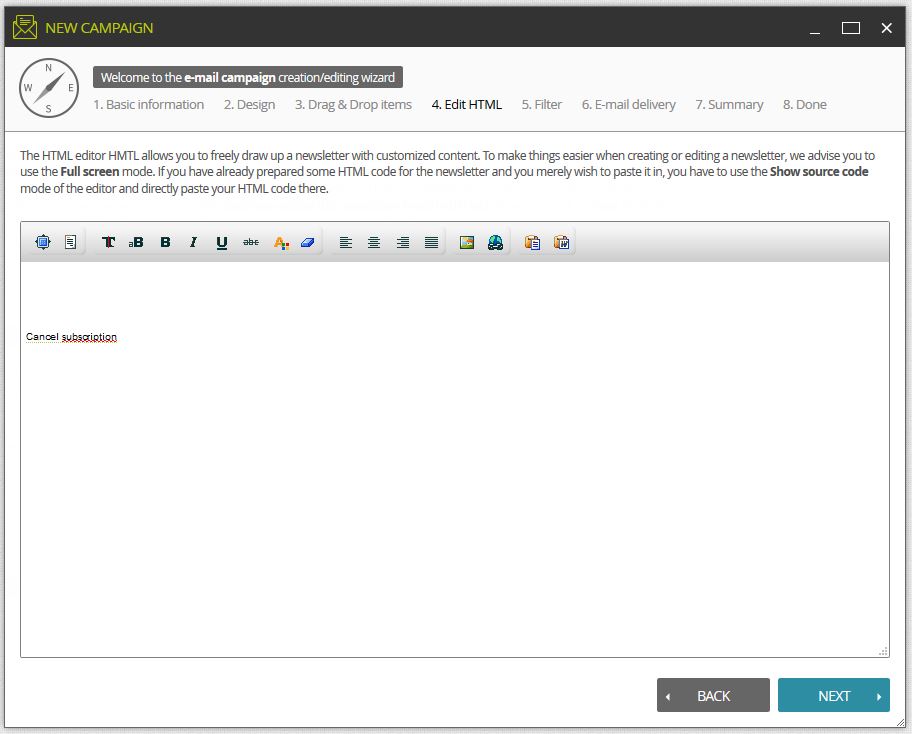
You can also add HTML code directly using the View Source Code editor (recommended only for users with experience of HTML).