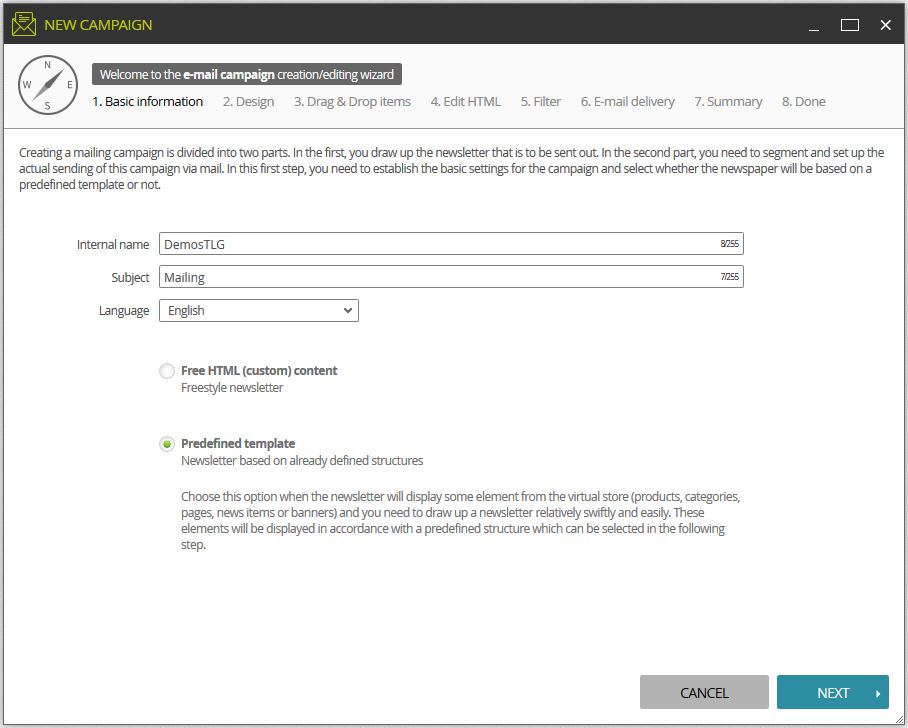
To access templates, choose the option "Default Template"
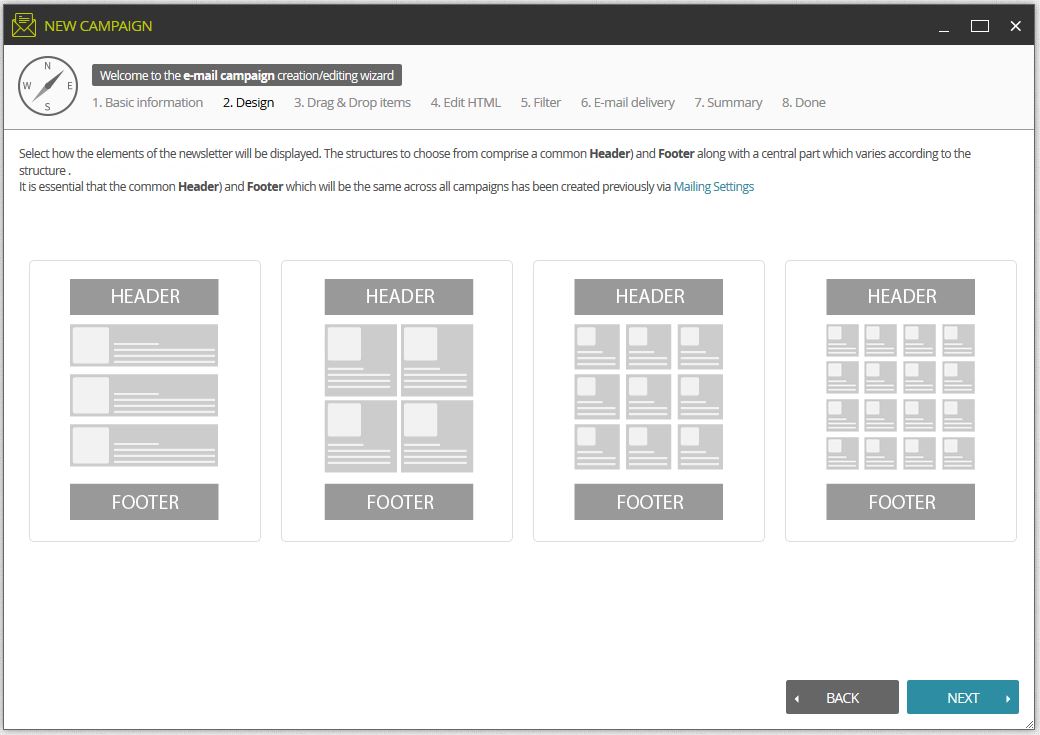
LogiCommerce has four types of pre-set templates that can be selected when creating your newsletter.
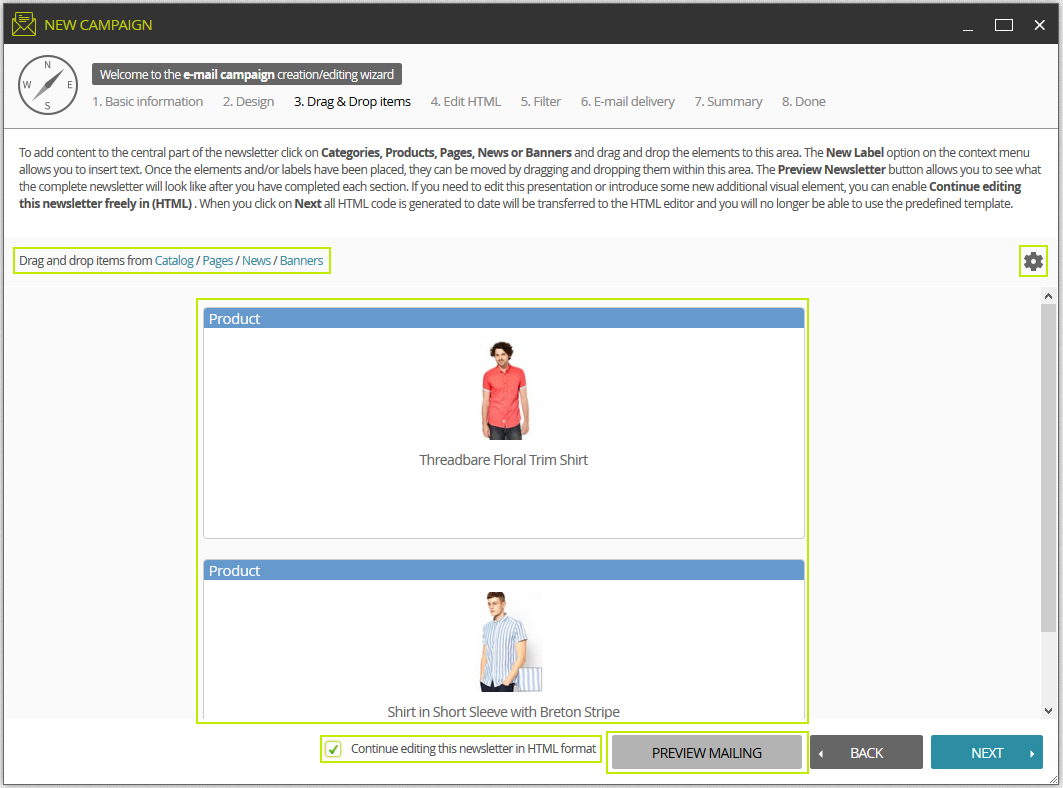
Here you can also select the Products / Pages / News / Banners that you want to add to the newsletter.
At any time you can change tack and edit the newsletter in free mode (using html), but bear in mind that when this option is selected, you cannot go back to using a predefined template.
The preview button allows you a preview of the newsletter once you have added any products and activated the options covering what is to be displayed.
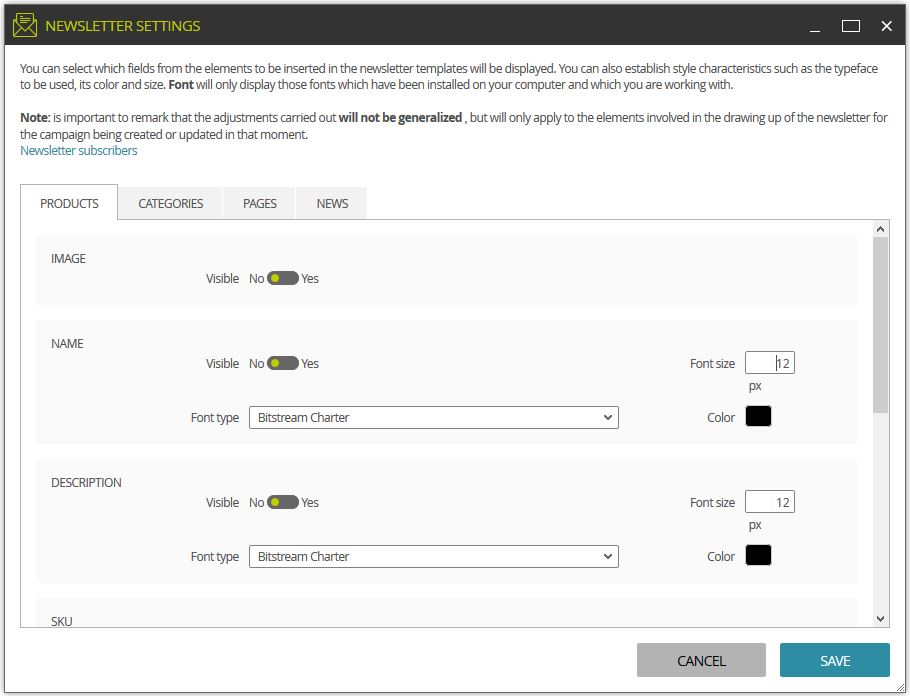
Using the Settings button you can select the information to be displayed.
You can enable / disable the display of different content items in your mail. You can also change the size and colour of the font.